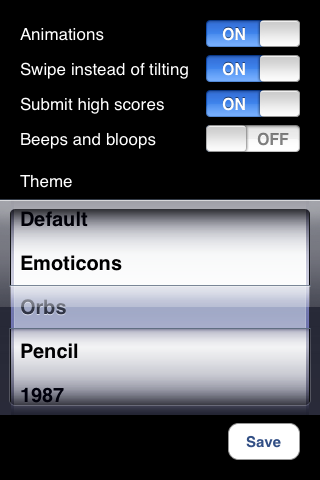
SCREENSHOTS
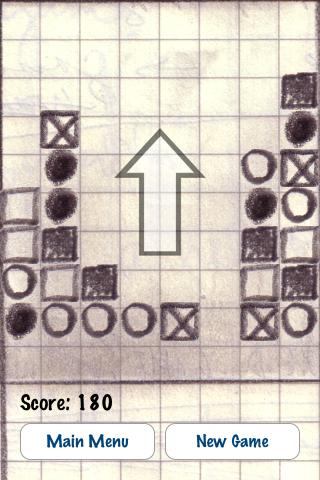
The game screen. You can chose one of five themes.
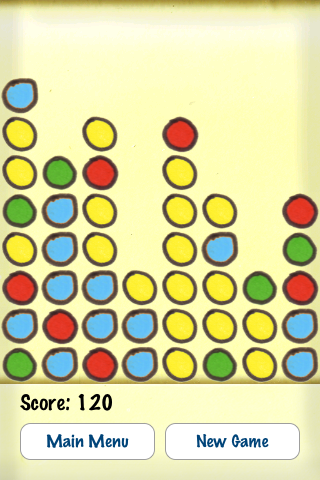
Swipe your finger on the screen and the dots "fall" in that direction. If you want lightning quick gameplay, you can turn the falling animations off.
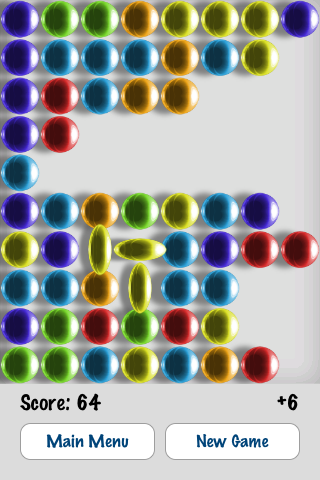
Touching a group selects that group. Here, you can see that three animated yellow dots are selected.
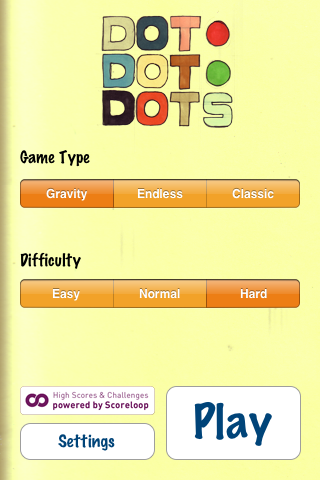
The main menu. When you're playing and return to the main menu, your game is saved automatically. Click on the Scoreloop button to view high scores or challenge a friend.
The settings screen lets you, amongst other things, choose different themes.